School timetable guides
Printable school timetable template (PDF)
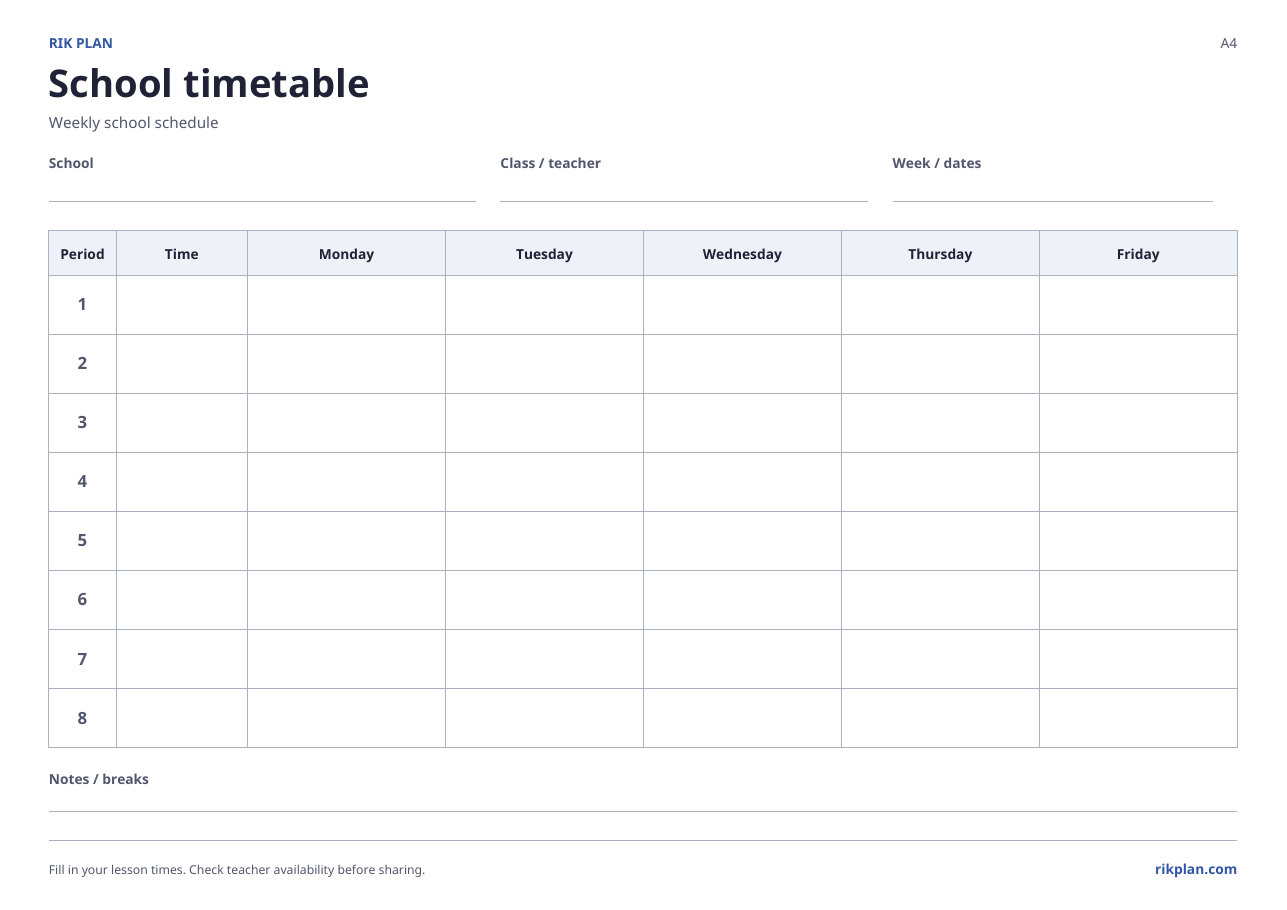
Need a school schedule you can print and fill in by hand? Download a blank weekly timetable with Monday-to-Friday columns, eight numbered lesson rows, and space for your school, class or teacher, dates, and notes. Choose the paper size that matches your printer.
Choose A4 or US Letter
Both downloads contain the same blank timetable on one landscape page. Choose A4 for an A4 printer tray or US Letter for letter-size paper. Open the PDF and print in landscape at actual size. Check the print preview before printing several copies.
Write the class and lesson times
Enter the school, class or teacher, and week before adding subjects. The Time column is deliberately blank so you can use your school’s own bell times. Fill the printed sheet by hand; it is not a fillable PDF form. Leave unused lesson rows blank.
Check the plan before sharing
Count how many times each subject appears and compare that with the required weekly lessons. Include the teacher name where it helps readers. For a double lesson, use both periods it occupies. Check shared teachers against the other classes: a paper template cannot detect conflicts.
Use the editor when the plan gets more complex
For different school days, more than eight periods, multiple classes, or teacher availability rules, create a timetable in Rik Plan. Manual mode lets you choose placements, while automatic mode generates a draft from your requirements. Export the reviewed result to Excel or PDF when it is ready.
Common questions
Do I need to create a school to download the template?
No. The blank PDFs are available directly from this page. You only need to create a school and timetable when you want to plan lessons inside the application.
Can I import this template into the Excel wizard?
No. This PDF is for printing and handwriting. The Excel setup template contains structured school data for import. Use the separate Excel guide to prepare that workbook, or create a timetable in the editor for a filled-in export.